 Pocketlon
Pick one of 11 lives
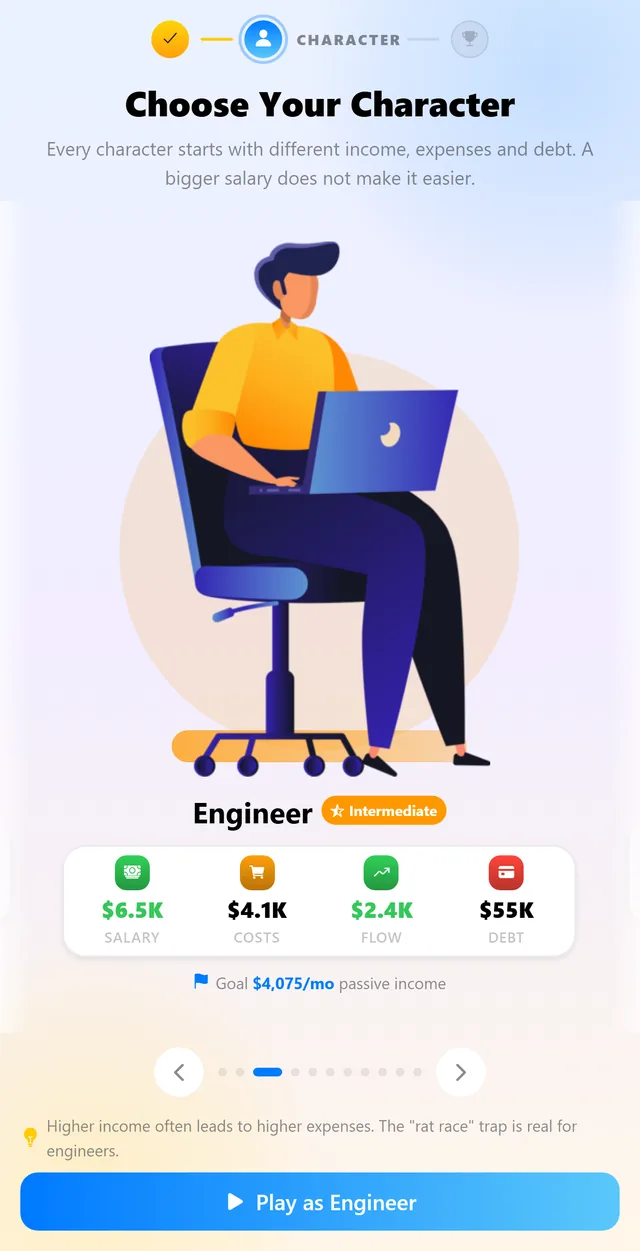
A driver, a nurse, an engineer, a lawyer, a doctor and six more — each with their own virtual salary, bills and debt. A bigger salary does not make the run easier.
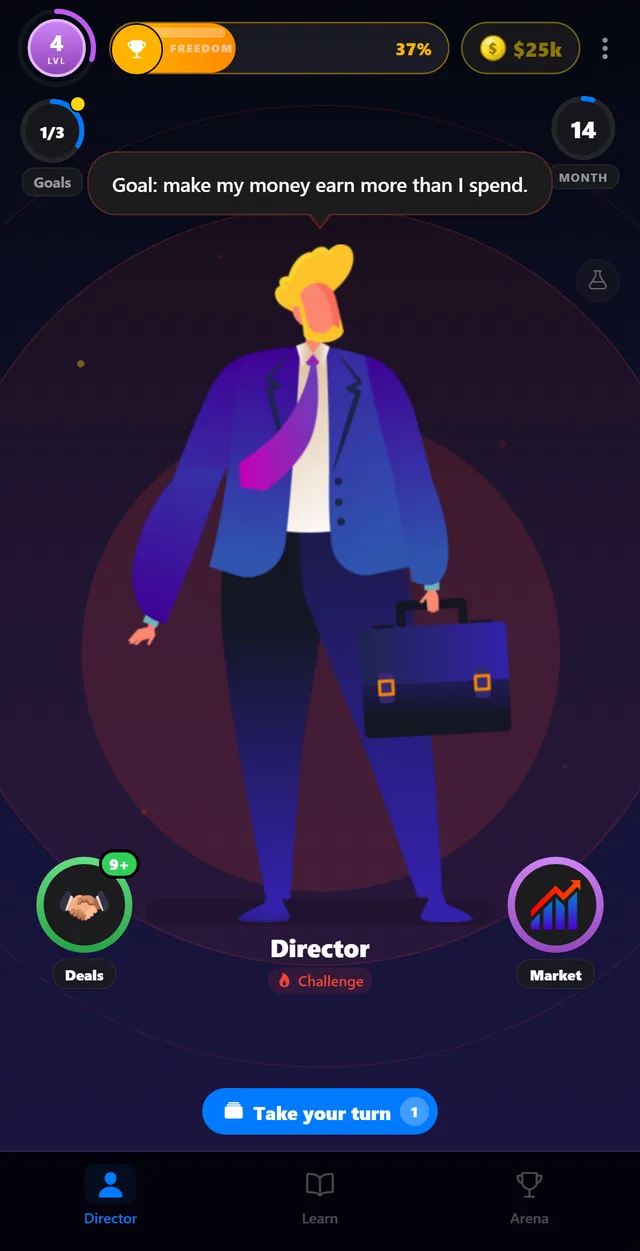
Pocketlon turns money lessons into a run you play. Pick one of 11 characters, live their virtual salary, bills and debt month by month, put what is left into fictional deals, and race AI rivals to the month your assets pay for your life.
Educational simulation · Virtual money only · No account required · Not financial advice.
Money habits are easier to understand when you can try them, get them wrong, and try again — safely.
A driver, a nurse, an engineer, a lawyer, a doctor and six more — each with their own virtual salary, bills and debt. A bigger salary does not make the run easier.
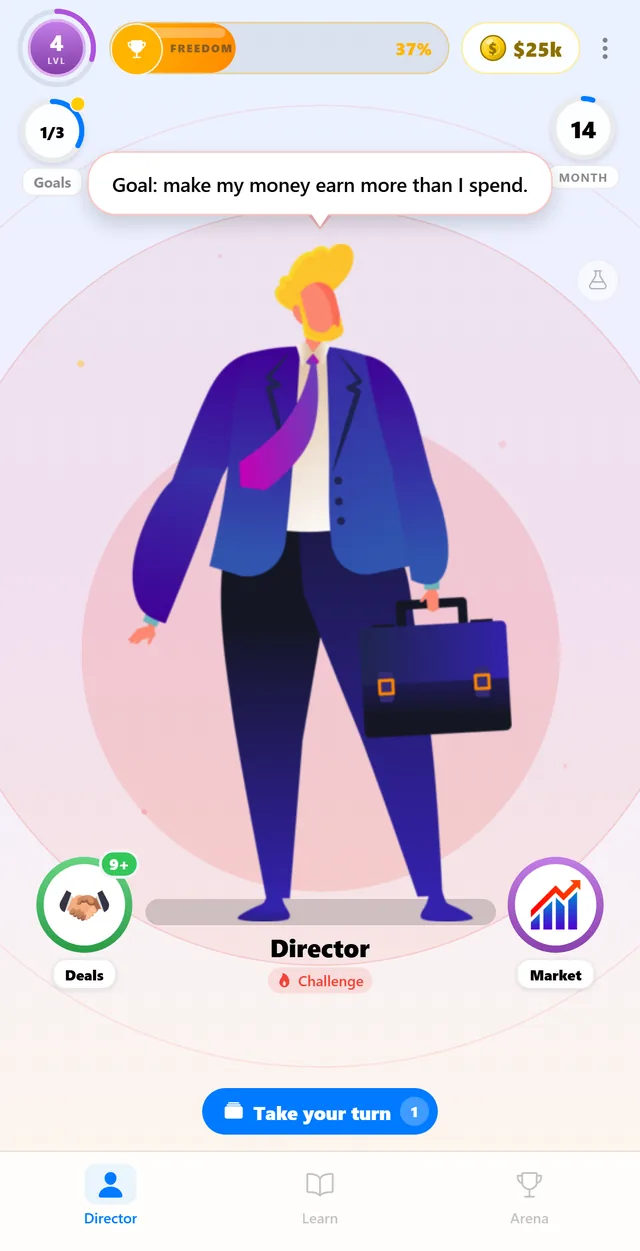
Time keeps running while you play. Payday lands, bills hit, offers and scam attempts show up — and what is left over is what you get to put to work.
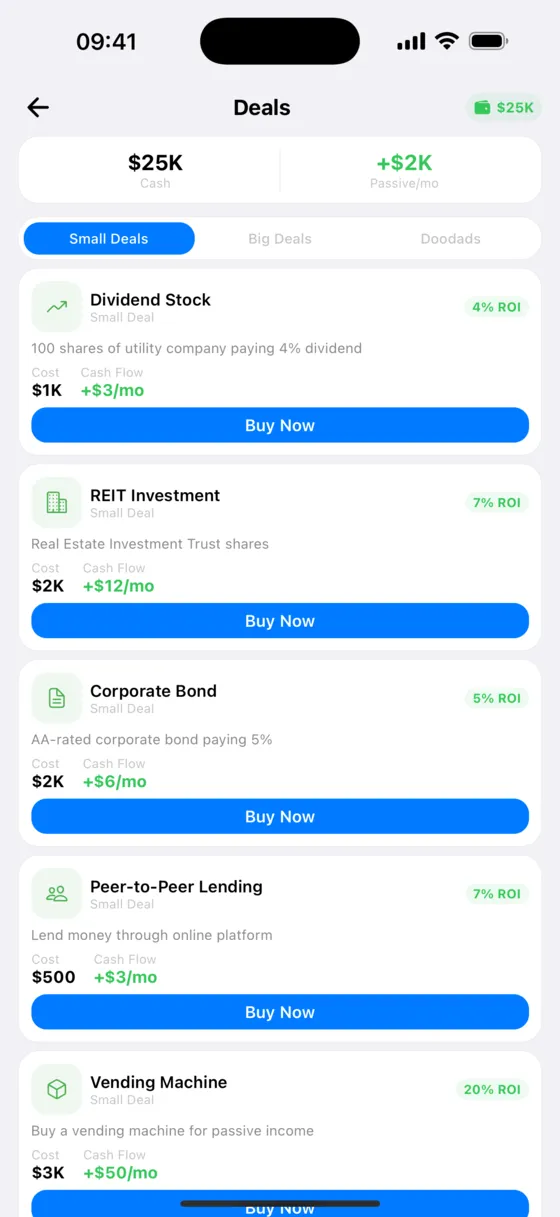
Small deals, big deals and tempting doodads, each with a cost, a risk and a monthly cash flow. Buying the wrong one is a lesson you feel next month.
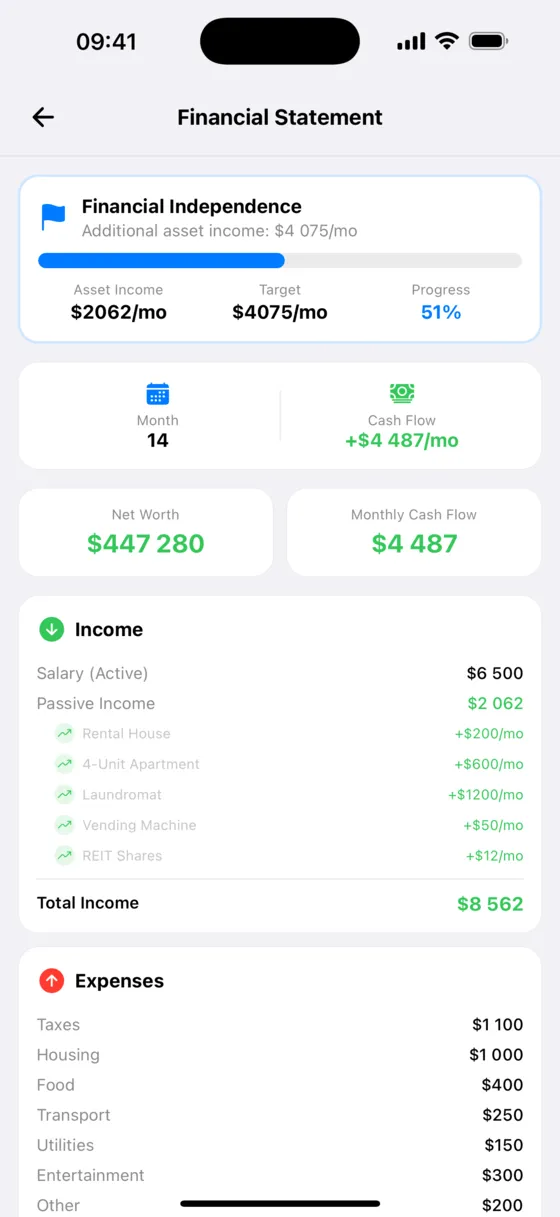
Eight milestones, from your first paycheck to buying the dream, drawn as one road with a “you are here” marker. Your full financial statement is one tab away.
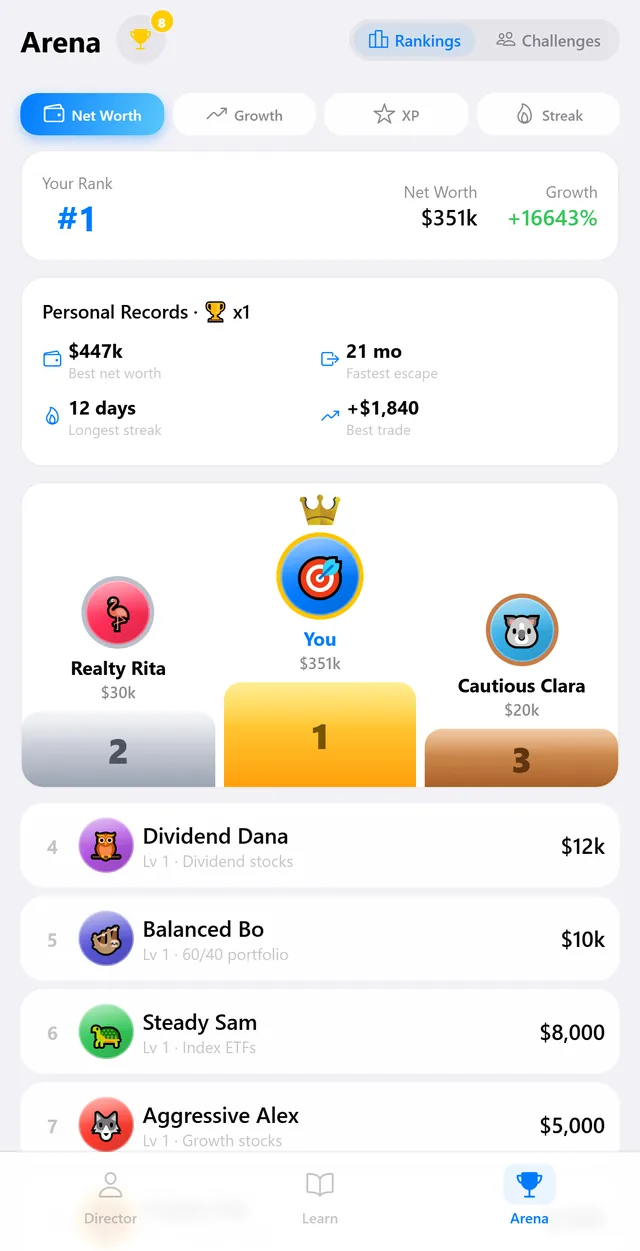
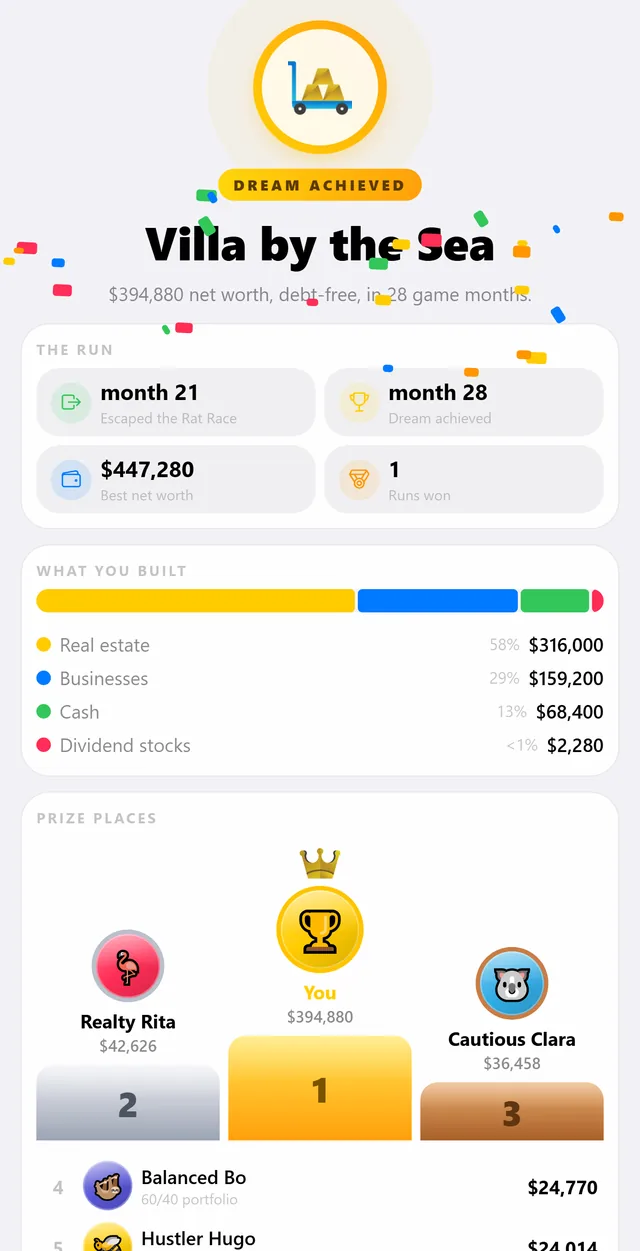
Steady Sam buys index funds, Realty Rita buys buildings, Cautious Clara sits in bonds. The Arena ranks you against all eight by net worth, growth, XP and streak.
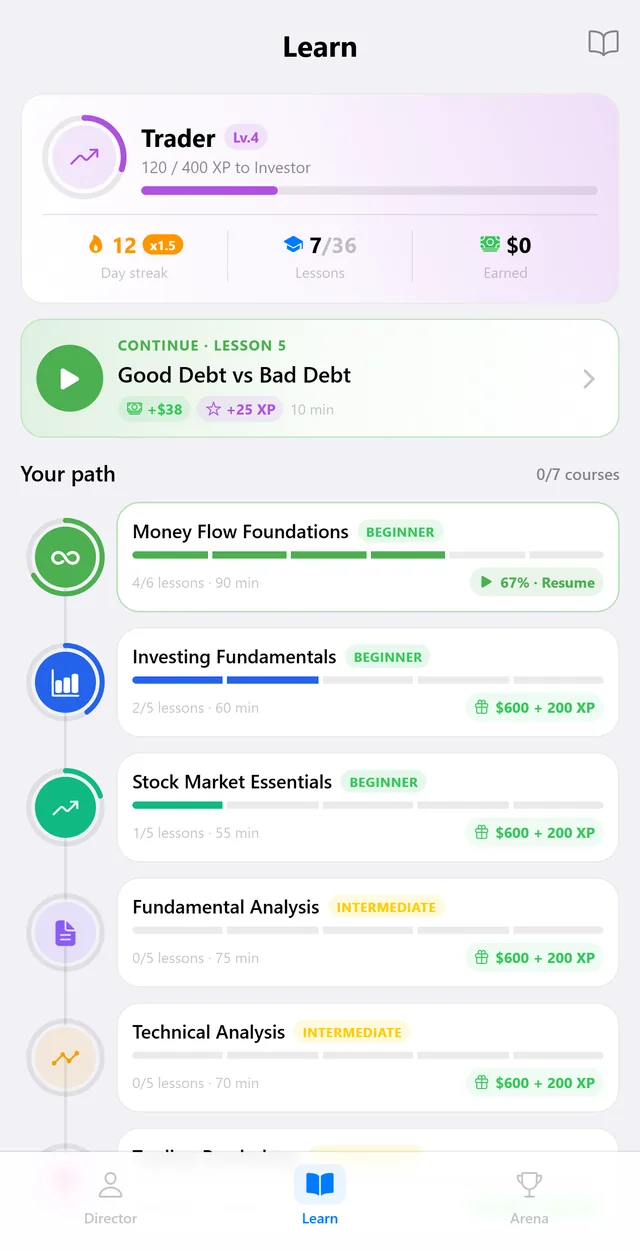
36 short lessons across 7 courses — budgeting, debt, diversification, market basics, scams — with quizzes. Finish one and the XP and virtual cash land in your run.
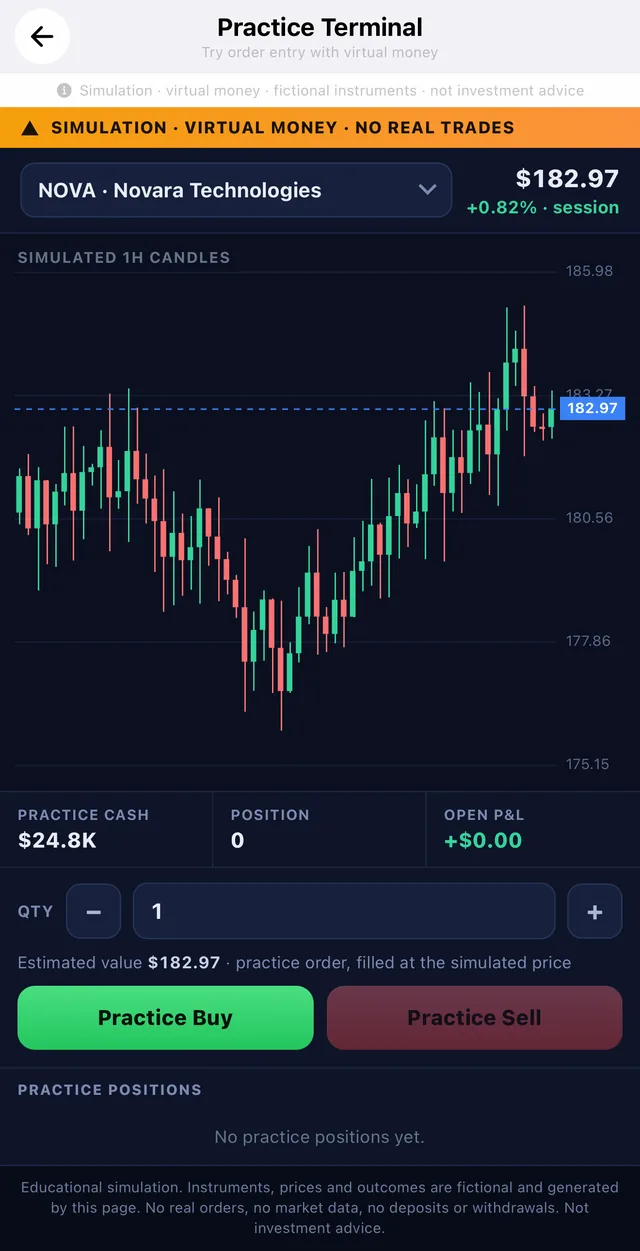
A simulated terminal with fictional instruments and prices generated on the spot. Practice buy, practice sell — no broker, no market data, nothing real behind it.
An offer, an unexpected bill, a piece of market news. New scenario cards are written by us and reach the game without waiting for an app update.
A few minutes at a time is enough. Levels, streaks and goals stay on your device, and the run is exactly where you left it.
One simple loop, repeated until the virtual numbers tip in your favour.
Choose one of 11 fictional characters and start with their virtual salary, bills and debt. No sign-up, no real numbers of yours.
Every simulated month pays income, charges the bills and throws something unexpected at you. What is left is what you get to put to work.
The run is won when virtual income from your assets covers your expenses. Then it is scored: the months it took, what you built, and where you finished against the rivals.
Every balance, price, asset and outcome shown below is fictional and generated for the simulation.
Pocketlon is a learning tool, not a financial service. That boundary is built into the app.
The one thing that does leave the device is anonymous usage analytics: which screens are opened and when milestones happen, tied to a random identifier and processed in the EU. You can switch it off in Settings at any time, and the privacy policy spells out exactly what is sent.
No. Every balance, price, asset name, opportunity and transaction in Pocketlon is fictional and generated by the app for gameplay. You cannot deposit, withdraw or cash anything out.
No. Pocketlon teaches general concepts through a simulation. It does not recommend specific products and does not provide personalised financial, investment, legal or tax advice.
No. There is no sign-up and no login. Progress, settings and virtual balances are stored locally on your device.
Yes — the same game runs in a browser at pocketlon.com/play. Nothing to install, nothing to sign up for; the run is saved in that browser on that device.
Anonymous usage events — which screens are opened and when milestones happen — tied to a random identifier, never to your name, email or advertising ID, and processed in the EU. Crash reports go to Sentry so bugs can be fixed. Both are described in the privacy policy, and analytics can be switched off in Settings.
Open Settings in the app — the menu button in the top-right corner of the hub — and choose “Delete all data”. Uninstalling the app also removes its local data, subject to normal device backup behaviour.
Write to support@pocketlon.com or read the support page. Please include your app version and iOS version — and never send passwords or financial account details.